

Skip to content
Skip to product information
Description

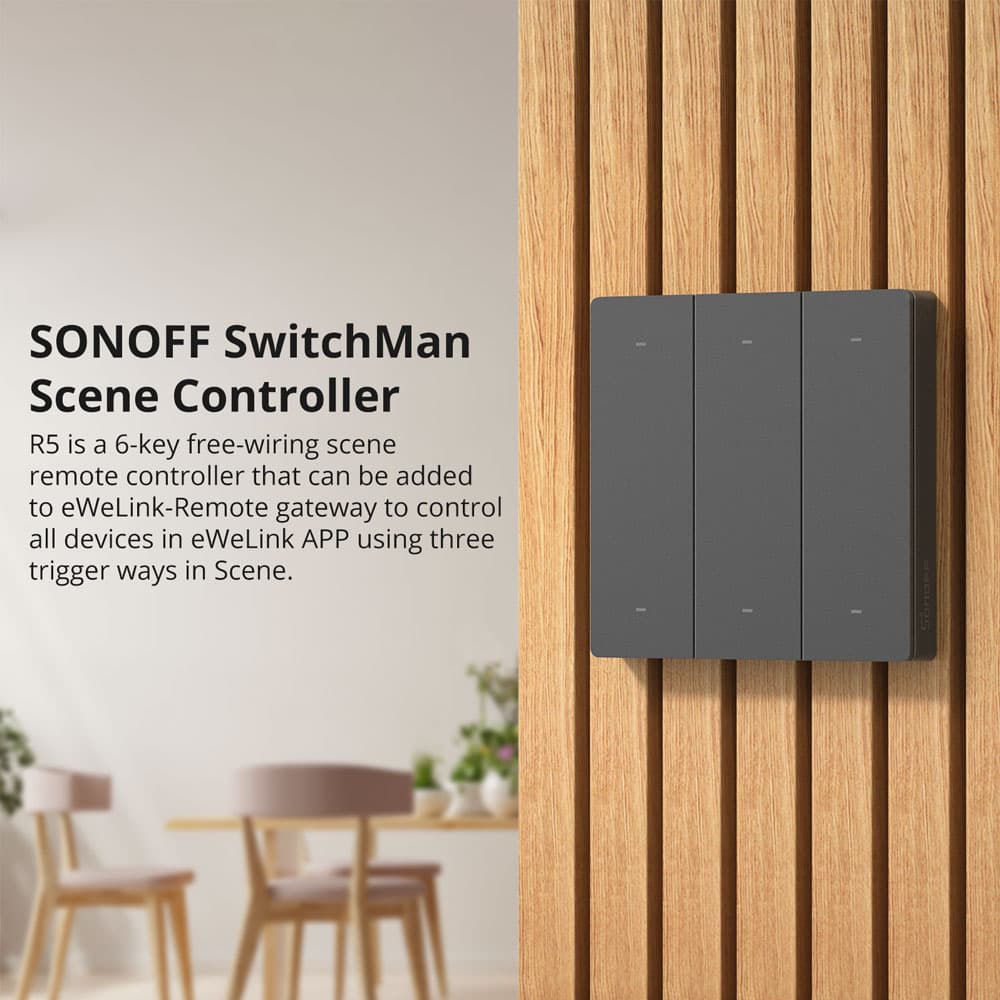
Sonoff SwitchMan R5 Scene controller for all devices in the eWeLink APP

Sonoff R5 is a 6-key multi-channel remote control that can be added to the eWeLink-Remote gateway to control

all devices in the eWeLink APP using three trigger modes in Scene.

It is a device that uses an “ eWeLink-Remote ” as a gateway, we have also called it “ eWeLink-Remote sub-devices ”.

R5 scene remote control can be added to smart devices equipped with the " eWeLink-Remote gateway ",

such as M5 smart wall switch and MNINI R3 smart switch, it not only can control all products with the

eWeLink-Remote gateway when there is no local network connection, but also control any other smart devices

Sonoff in the smart scene, when there is a network connection.

Three Activation Modes

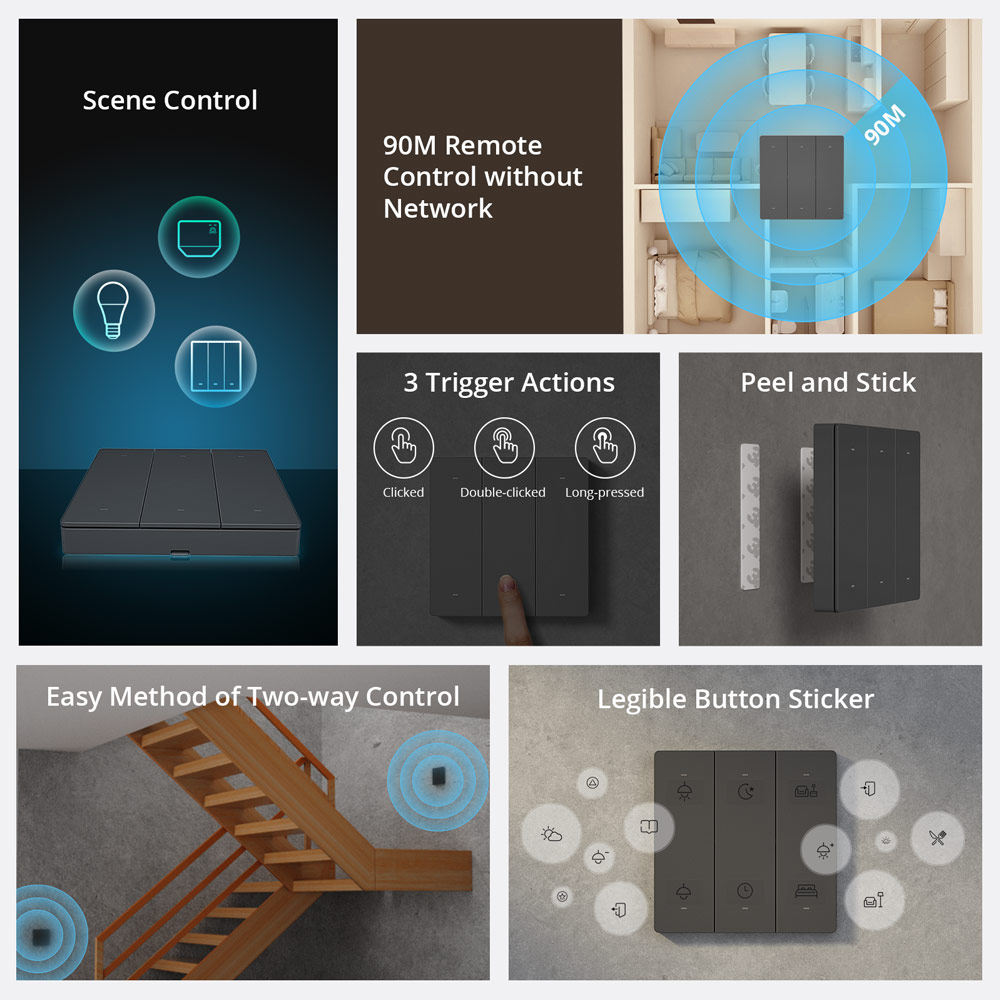
The R5 has 6 programmable buttons through the eWeLink scenes and the combinations are really many as,

in the scene, you can select either single click, double click or long press .

This allows you to have 18 scenes managed by a single device.

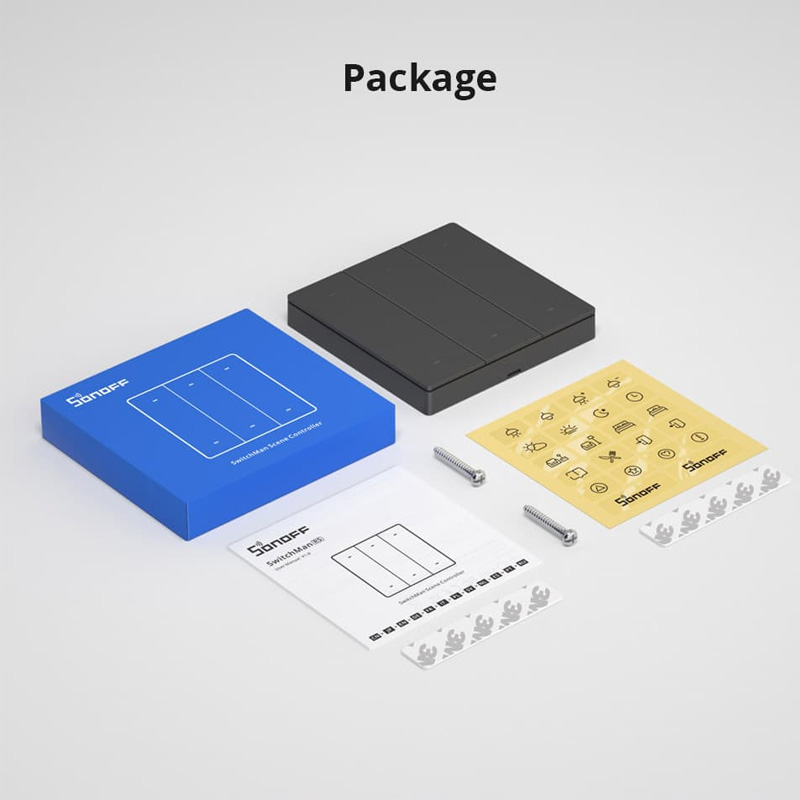
In the package there is a series of stickers with icons in order to remember what each button does.

Sonoff R5 can be installed on a 502 box, but it can also be attached to the wall (or anywhere) thanks to the two double-sided adhesive strips supplied.

Or you can stick it on metal surfaces thanks to the four magnets incorporated in the rear body.

With an R5 placed, for example, at the exit of the house, it is possible to control a large number of devices.

Local control via eWeLink-Remote

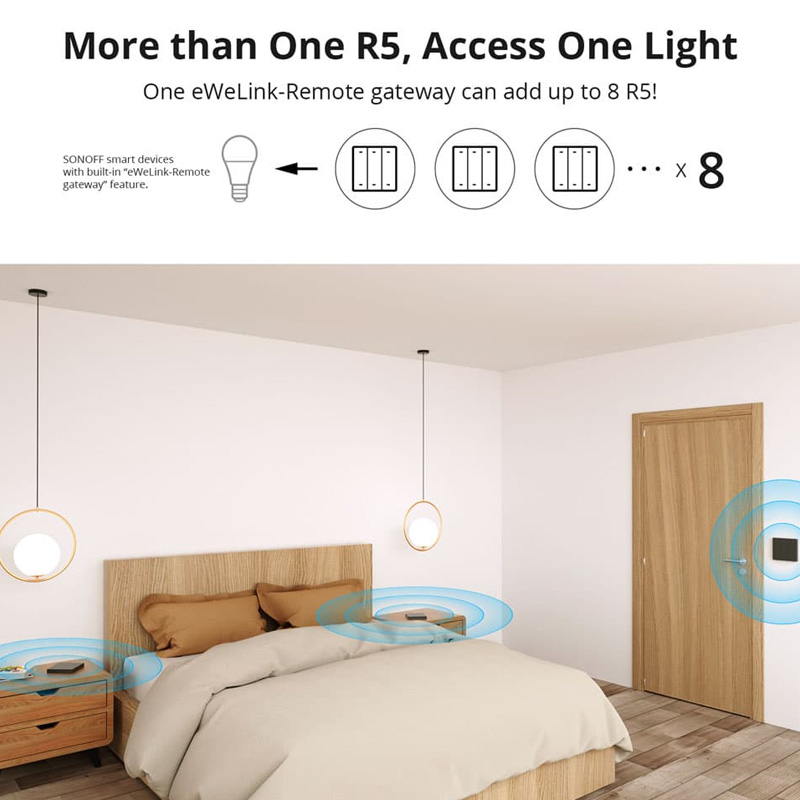
R5 can be learned and used with the smart devices equipped with the "eWeLink-Remote gateway",

where you can control home appliances connected to smart devices using R5 within up to 90M.

One eWeLink-Remote gateway can add up to 8 R5!

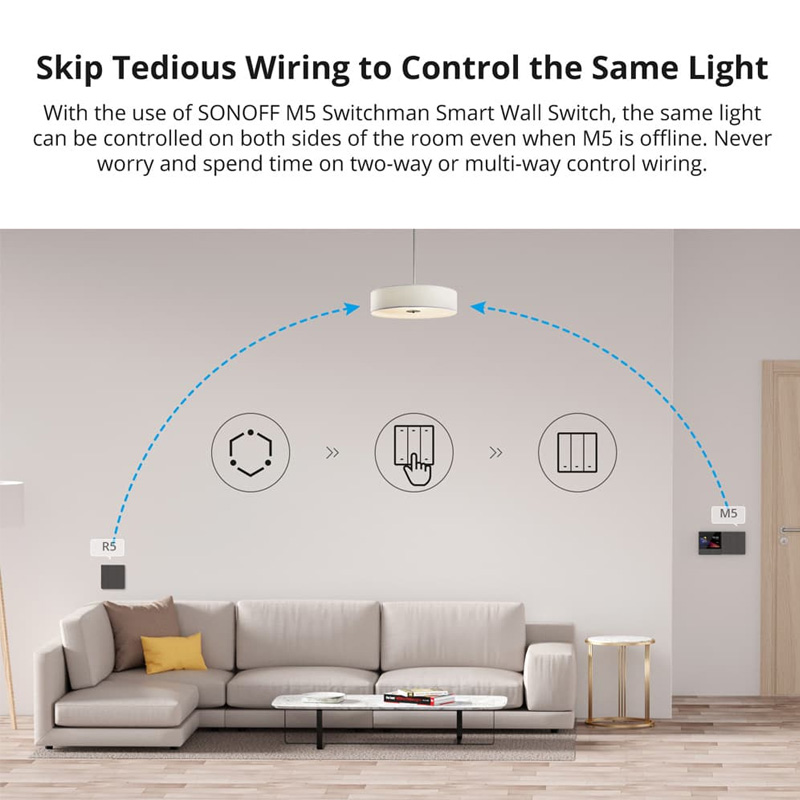
Skip the wiring to control the light itself

With the use of SONOFF M5 SWITCHMAN Smart Wall Switch, the same light can be controlled on both sides of the room even

when M5 is offline. Don't worry and spend time on two-way or multi-way control wiring.

The host of Smart Life

When you have too many smart devices and they are distributed in different rooms but you don't want to control them through your phone?

Right now you need a R5 scene remote controller, R5 can be added to the eWeLink-Remote gateway

to control all devices in the eWeLink APP by using three trigger ways in the scene.

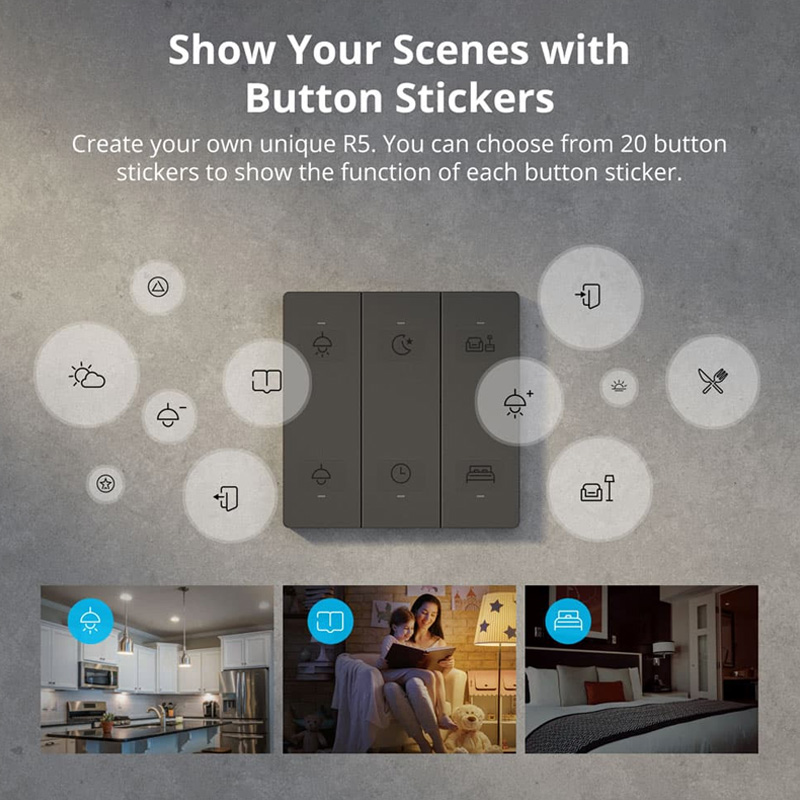
Show off your scenes with button stickers

Create your unique R5. You can choose from 20 stickers to show the function of each button.

Powered by 2 CR2032 BATTERIES .
 

Sonoff SwitchMan R5 Scene controller for all devices in the eWeLink APP FACE PLATE

Regular price 18.000 JD

Shipping calculated at checkout

ATH13604

ZainCash.png__PID:d9898a72-55ea-457c-9ad2-60748a7bcdf9
Orange Money.png__PID:dc02d989-8a72-45ea-b57c-1ad260748a7b
UWallet.png__PID:8a7255ea-f57c-4ad2-a074-8a7bcdf9a556
Description

Sonoff SwitchMan R5 Scene controller for all devices in the eWeLink APP

Sonoff R5 is a 6-key multi-channel remote control that can be added to the eWeLink-Remote gateway to control

all devices in the eWeLink APP using three trigger modes in Scene.

It is a device that uses an “ eWeLink-Remote ” as a gateway, we have also called it “ eWeLink-Remote sub-devices ”.

R5 scene remote control can be added to smart devices equipped with the " eWeLink-Remote gateway ",

such as M5 smart wall switch and MNINI R3 smart switch, it not only can control all products with the

eWeLink-Remote gateway when there is no local network connection, but also control any other smart devices

Sonoff in the smart scene, when there is a network connection.

Three Activation Modes

The R5 has 6 programmable buttons through the eWeLink scenes and the combinations are really many as,

in the scene, you can select either single click, double click or long press .

This allows you to have 18 scenes managed by a single device.

In the package there is a series of stickers with icons in order to remember what each button does.

Sonoff R5 can be installed on a 502 box, but it can also be attached to the wall (or anywhere) thanks to the two double-sided adhesive strips supplied.

Or you can stick it on metal surfaces thanks to the four magnets incorporated in the rear body.

With an R5 placed, for example, at the exit of the house, it is possible to control a large number of devices.

Local control via eWeLink-Remote

R5 can be learned and used with the smart devices equipped with the "eWeLink-Remote gateway",

where you can control home appliances connected to smart devices using R5 within up to 90M.

One eWeLink-Remote gateway can add up to 8 R5!

Skip the wiring to control the light itself

With the use of SONOFF M5 SWITCHMAN Smart Wall Switch, the same light can be controlled on both sides of the room even

when M5 is offline. Don't worry and spend time on two-way or multi-way control wiring.

The host of Smart Life

When you have too many smart devices and they are distributed in different rooms but you don't want to control them through your phone?

Right now you need a R5 scene remote controller, R5 can be added to the eWeLink-Remote gateway

to control all devices in the eWeLink APP by using three trigger ways in the scene.

Show off your scenes with button stickers

Create your unique R5. You can choose from 20 stickers to show the function of each button.

Powered by 2 CR2032 BATTERIES .
 

Sonoff SwitchMan R5 Scene controller for all devices in the eWeLink APP FACE PLATE
Drawer Title
Similar Products